

Cloud LED Light, Cloud Music Sync Multicolor Changing Strip Light, Atmosphere DIY Creative Thunder Cloud Lamp Wall Ceiling Light
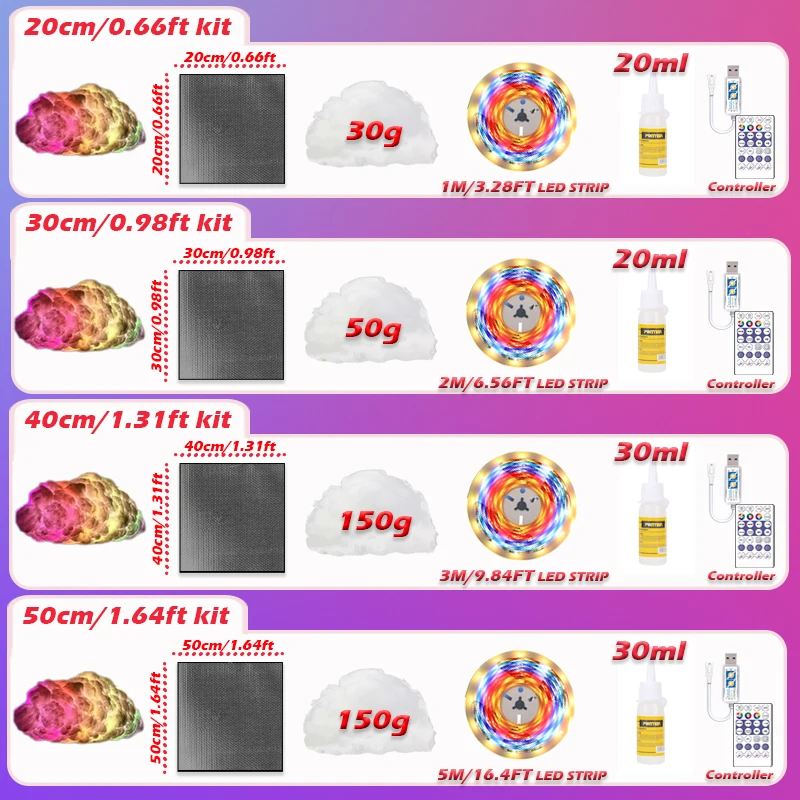
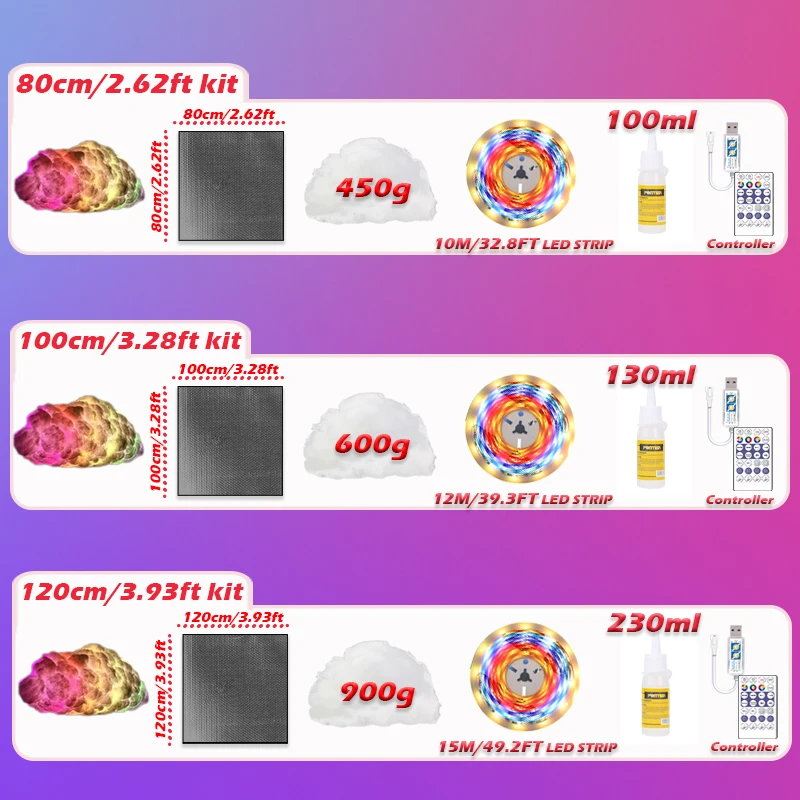
40cm(1.31ft) Kit
€22,99
Prezzo promozionale
€22,99
Prezzo di listino
€18,31
Passa alle informazioni sul prodotto

assign product_resource = closest.product
if request.visual_preview_mode and product_resource == blank
assign product_resource = collections.all.products.first
endif
-%}

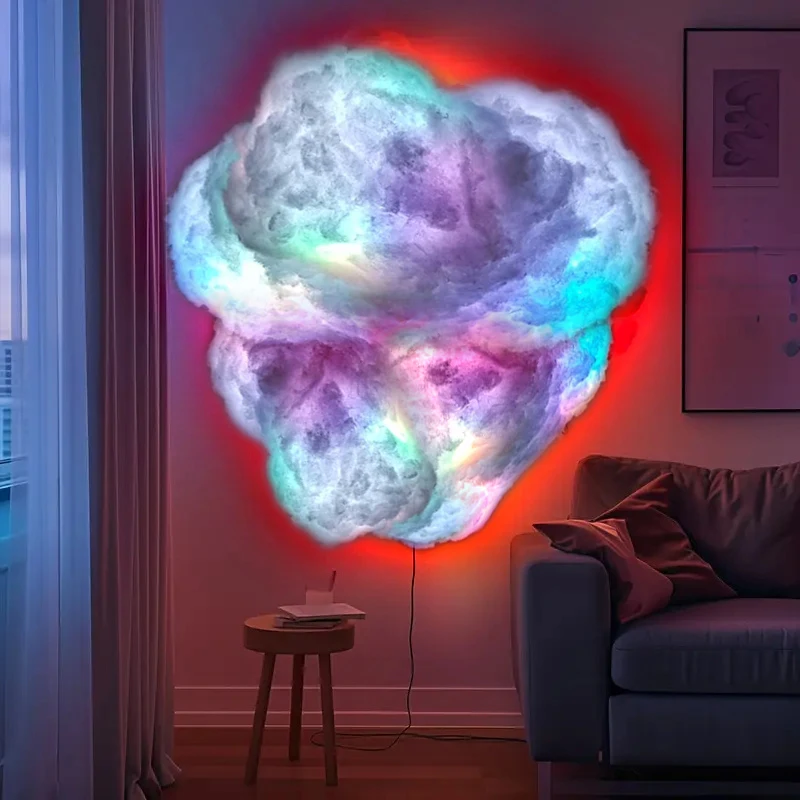
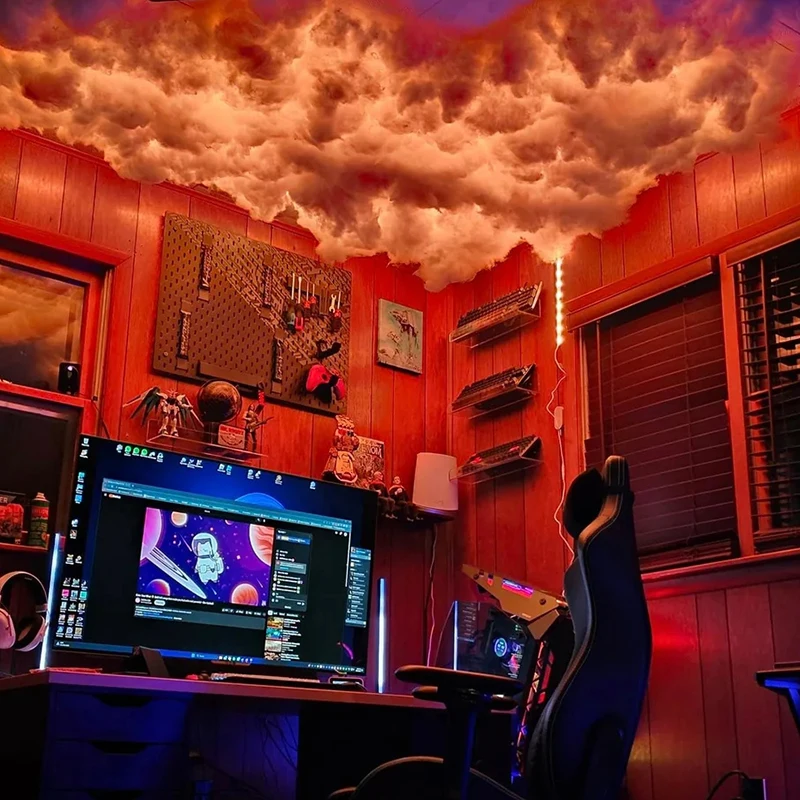
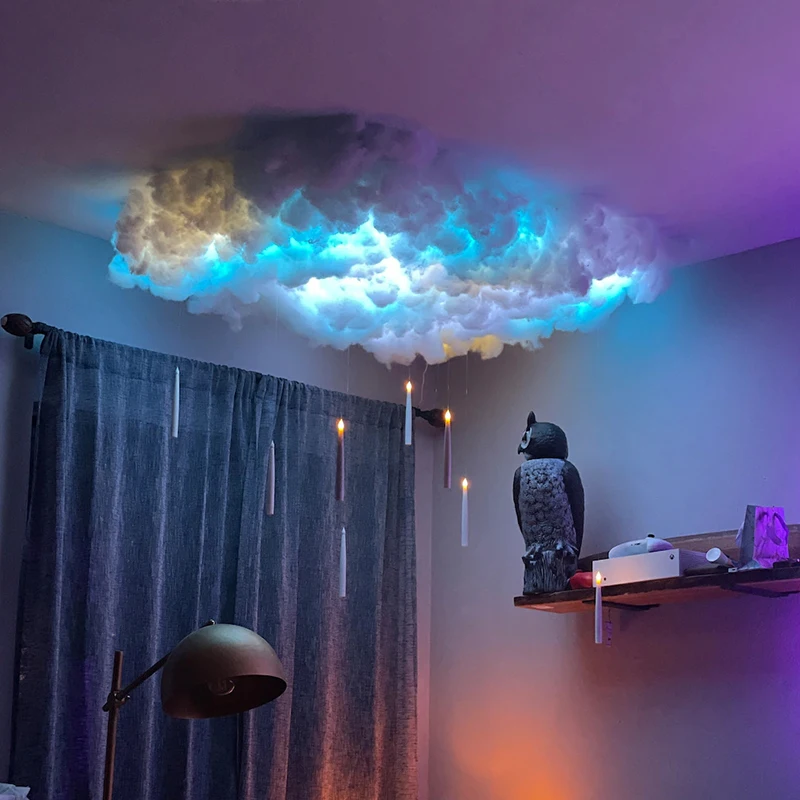

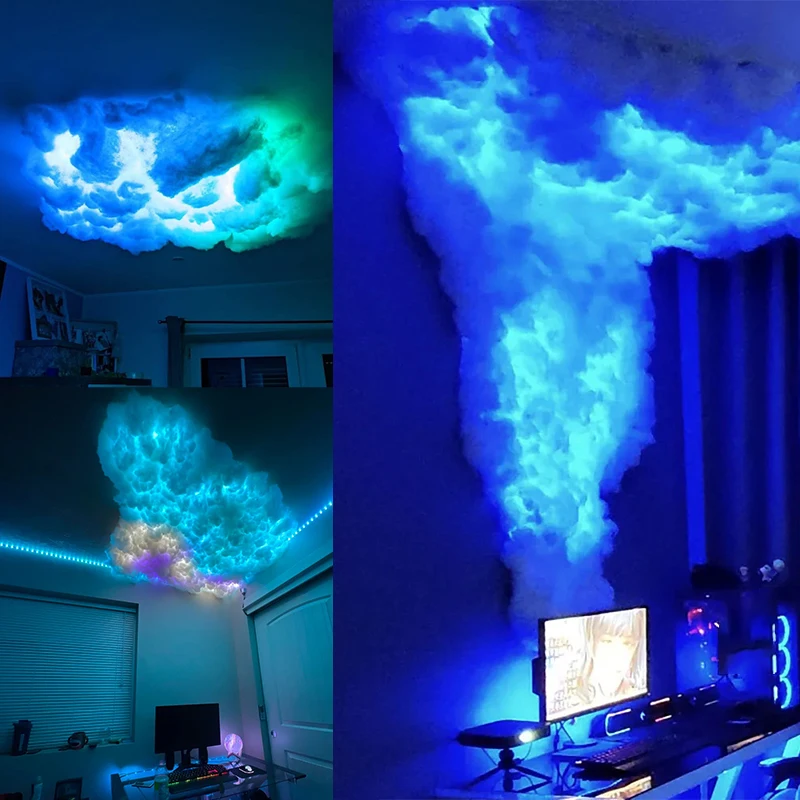
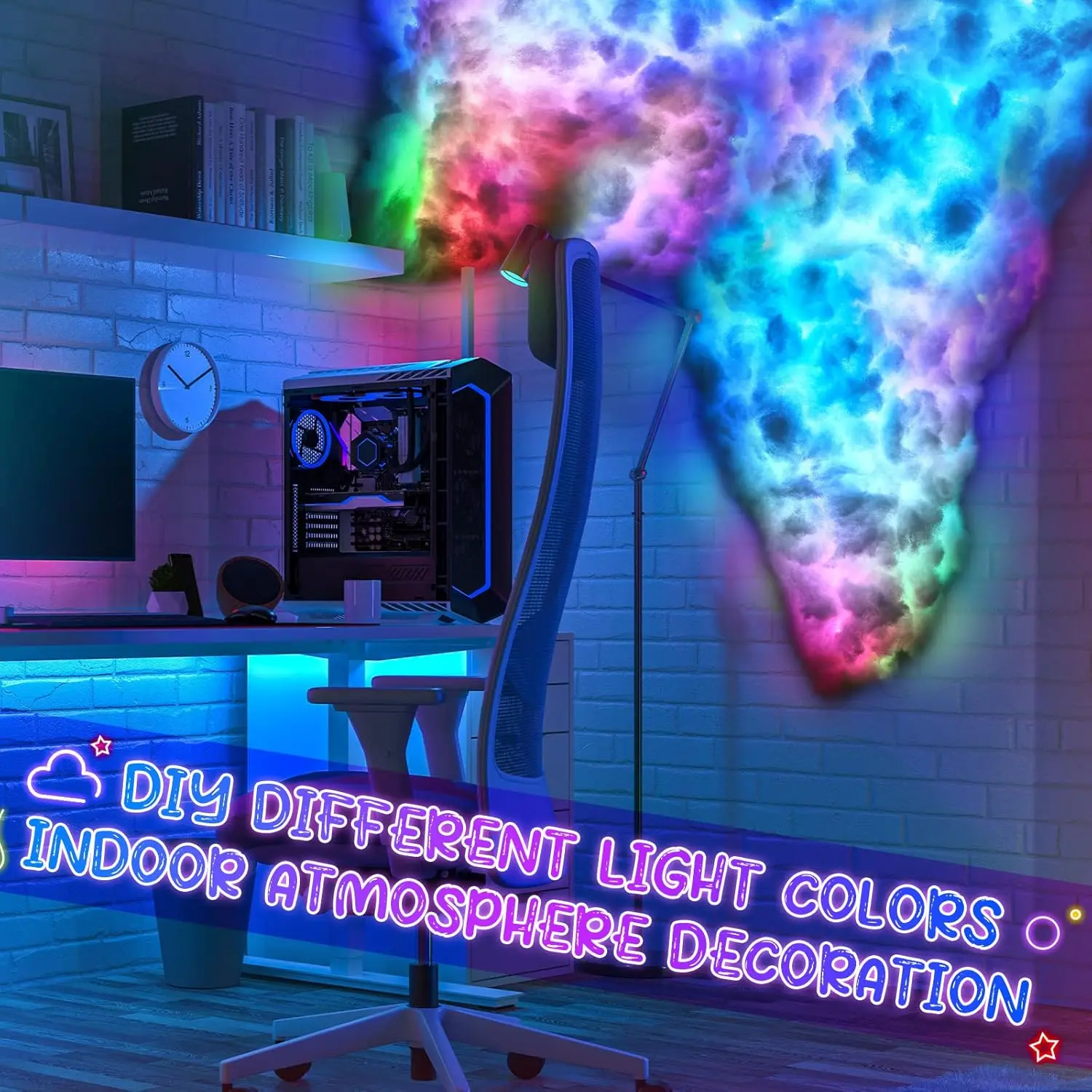


Cloud LED Light, Cloud Music Sync Multicolor Changing Strip Light, Atmosphere DIY Creative Thunder Cloud Lamp Wall Ceiling Light
€22,99
Prezzo promozionale
€22,99
Prezzo di listino
€18,31
SPECIFICATIONS
Battery Type: CR2032
Body Material: PVC
Brand Name: Acosh neon
Certification: RoHS,EMC,CE,ce,EMC,ROHS
Choice: yes
High-concerned chemical: none
Is Batteries Included: No
Is Batteries Required: Yes
Is Bulbs Included: Yes
Light Source: LED bulbs
Luminous Flux: 60-249
Model Number: 5V-2835-60
Origin: Mainland China
Power Source: DC
Style: Novelty
Usage: HOLIDAY
Voltage: 5V
Installation Steps
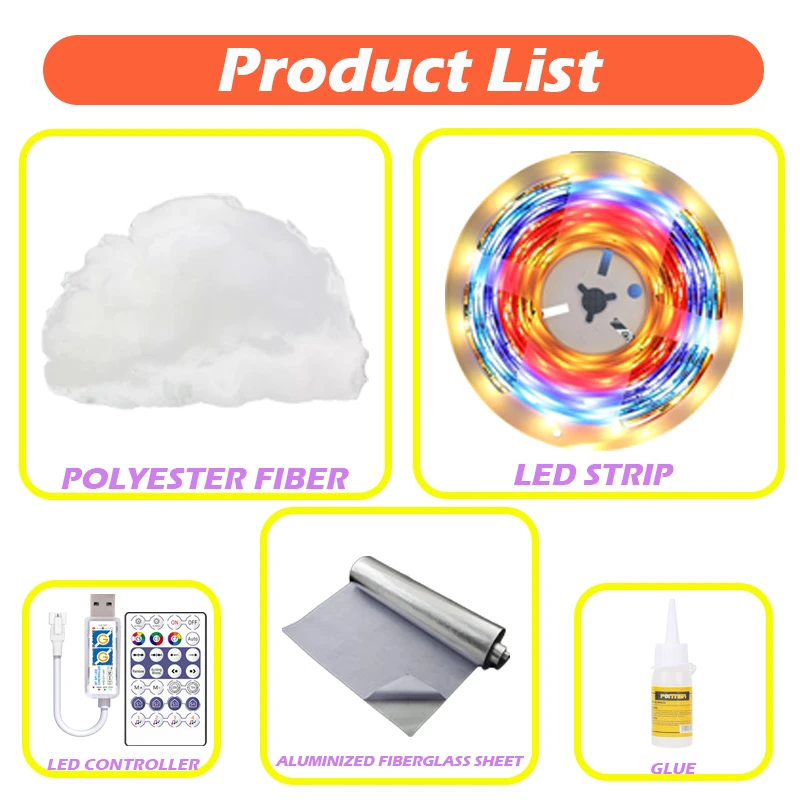
Step 1: Prepare the Aluminum Foil Fiberglass Cloth
Cut the aluminum foil fiberglass cloth to the desired size and shape based on customer requirements.
Step 2: Attach the LED Strip
Peel off the double-sided tape backing from the LED strip.
Firmly press the LED strip onto the aluminum foil fiberglass cloth.
Important Notes:
If changing the direction of the LED strip, do not fold it. Gently bend the strip to avoid damaging the internal circuits.
Step 3: Secure the Polyester Fiber
Open the polyester fiber packaging and take out an appropriate amount.
Apply adhesive glue evenly onto one side of the polyester fiber.
Press the glued side firmly onto the aluminum foil fiberglass cloth for at least 10 seconds to ensure adhesion.
Warning:
Insufficient pressing time (less than 10 seconds) will result in poor fixation.
Step 4: Connect the Controller
Connect the LED strip to the controller.
Plug the controller into a 5V USB power source.
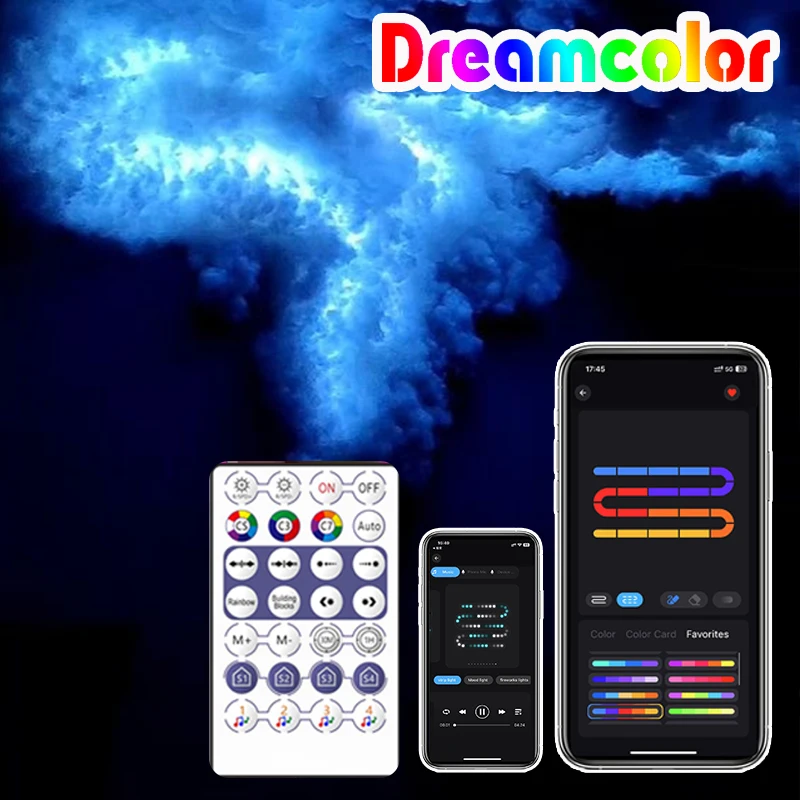
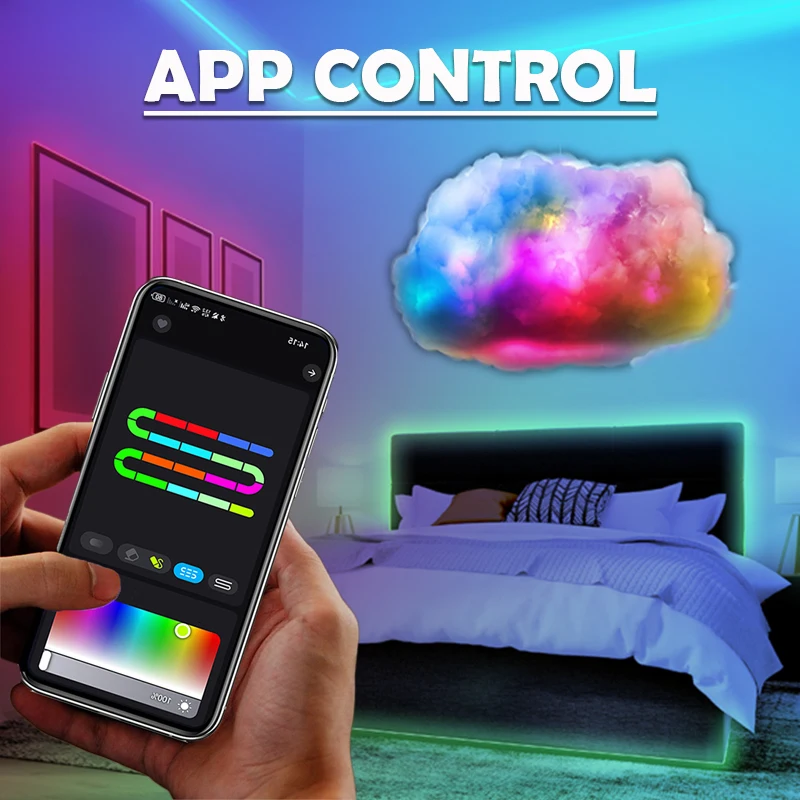
Step 5: Pair with the "ZENGGE" App
Download and install the "ZENGGE" app from your device’s app store.
Follow the in-app instructions to pair and control the LED strip.